An open ACID test for AI-made presentations

Make the deck.
Not a screenshot.

Gloss is a deliberately complicated 20-slide presentation that AI struggles to recreate as a real, editable artifact. The deck is the challenge. The checker makes every native miss easy to see.

Remember Acid1, Acid2, and Acid3? Gloss is ACID for presentation decks made by AI.
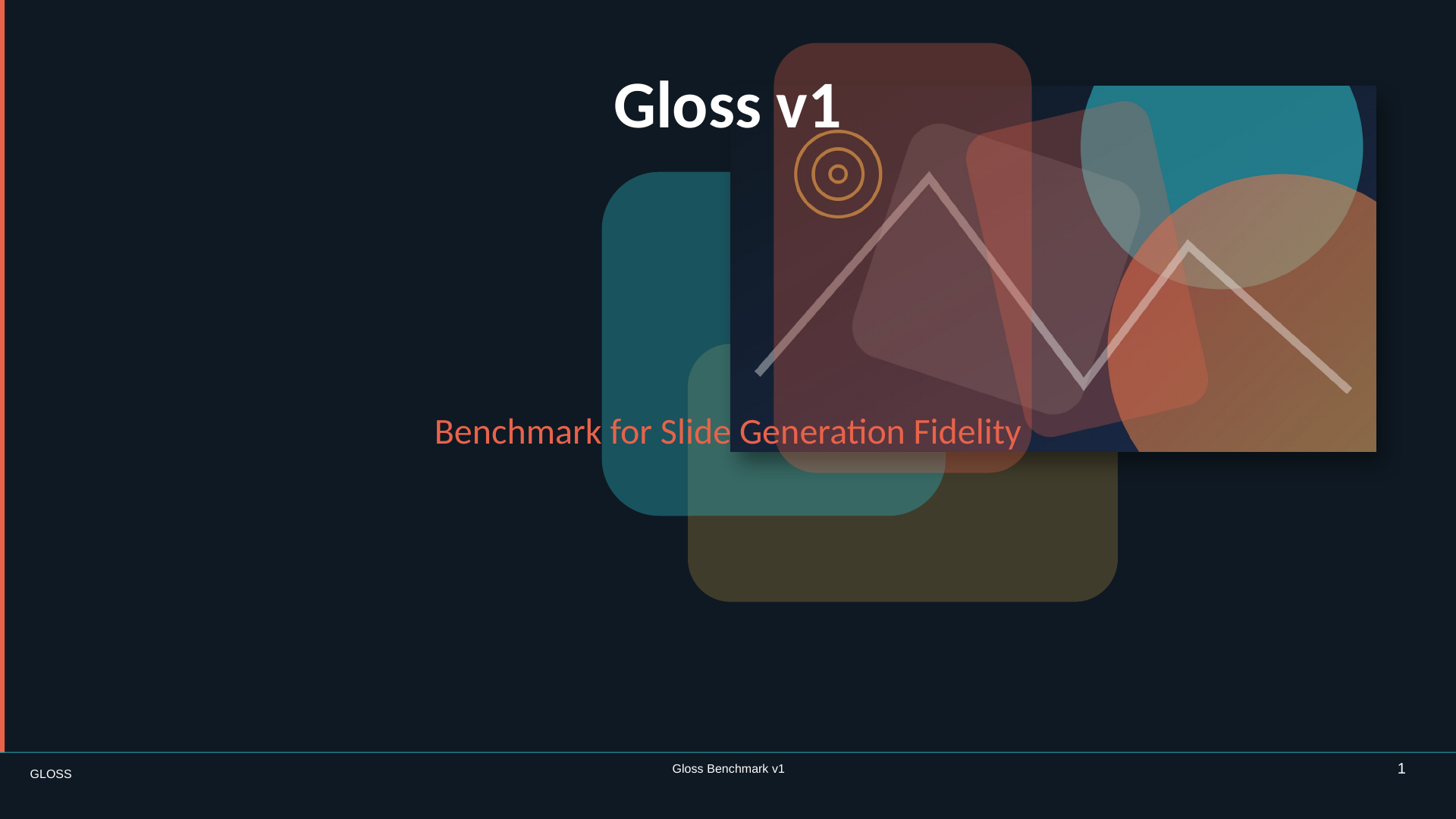
gloss-v1.pptx Slide 01 / 20
Gloss v1 cover slide with layered translucent shapes

Looks right is not enough.

Text stays text. Charts stay charts. Masters still master.

The smallest useful experiment

Move two things.
See two things.

Download the native deck, move one object on each of two slides, and run the checker. Gloss reports those two native objects—not a score, not a dashboard, not a wall of release metadata.

2

Edit

Move one object on one slide and another object elsewhere.

Keep everything native.
3

Check

One changed object becomes one clear finding.

uv run gloss check edited.pptx
gloss check
uv run gloss check edited.pptx
2 native objects changed:
Slide 02 · placeholder “Agenda” · changed: position
Slide 12 · placeholder “Document Fields” · changed: position

The artifact is the benchmark

Twenty ways to fake a slide.
Twenty ways Gloss notices.

Every slide pairs a visible composition with a native behavior underneath. Open the image to see the target. Open the instructions to see exactly what the presentation must understand.
Slide 1, Gloss v1 cover
01 · Foundation

Cover / Title Stress Test

A cinematic title composition with an image and translucent shapes.

What must be native

Layout placeholders, image crop, z-order, opacity, shadow, and inherited slide numbers.

Read the exact instructions →
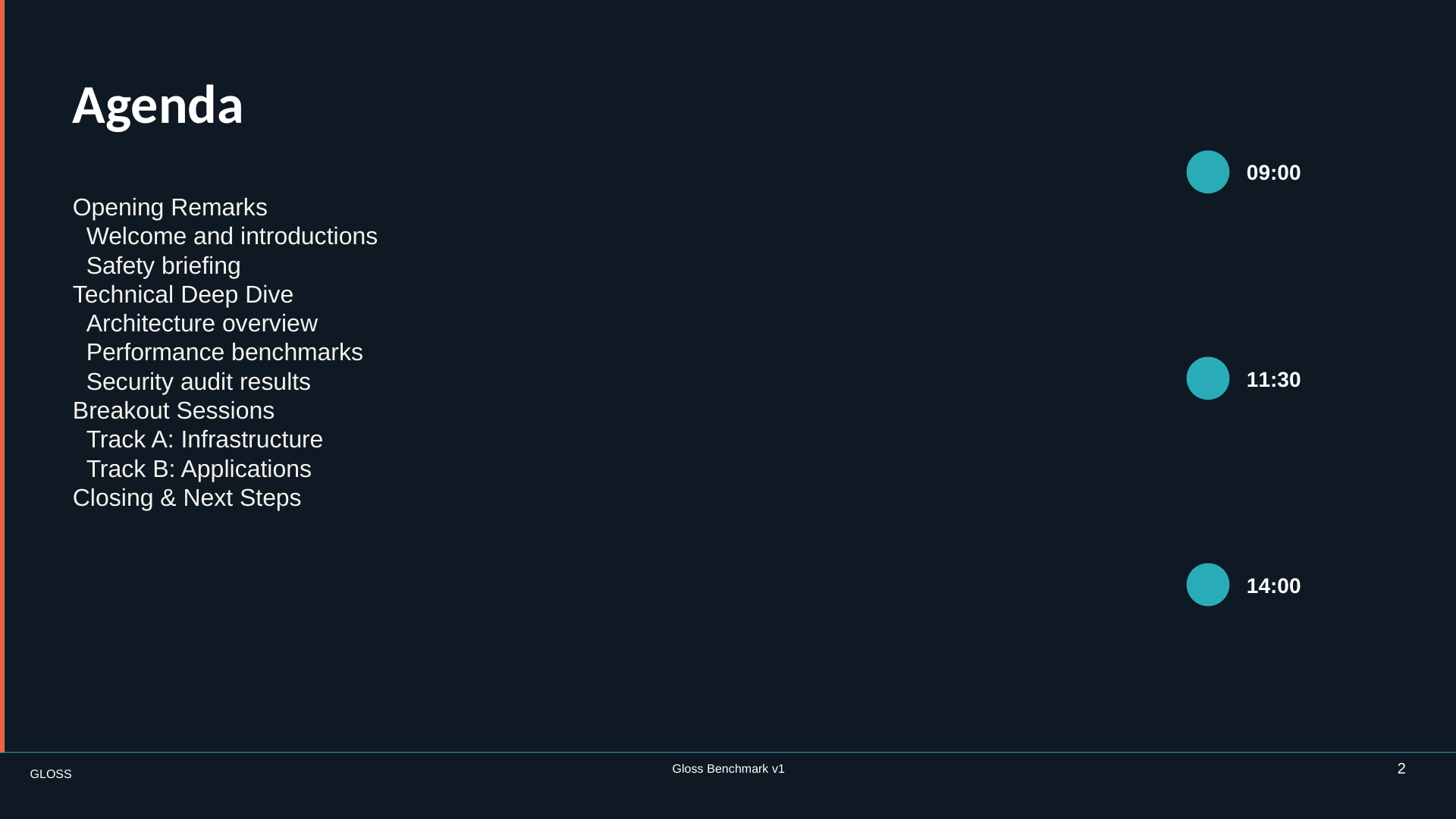
Slide 2, dense agenda
02 · Foundation

Dense Agenda with Layout Semantics

A dense agenda that still reads cleanly.

What must be native

Placeholders, real bullet levels, paragraph spacing and indentation, flat grouping, and exact alignment.

Read the exact instructions →
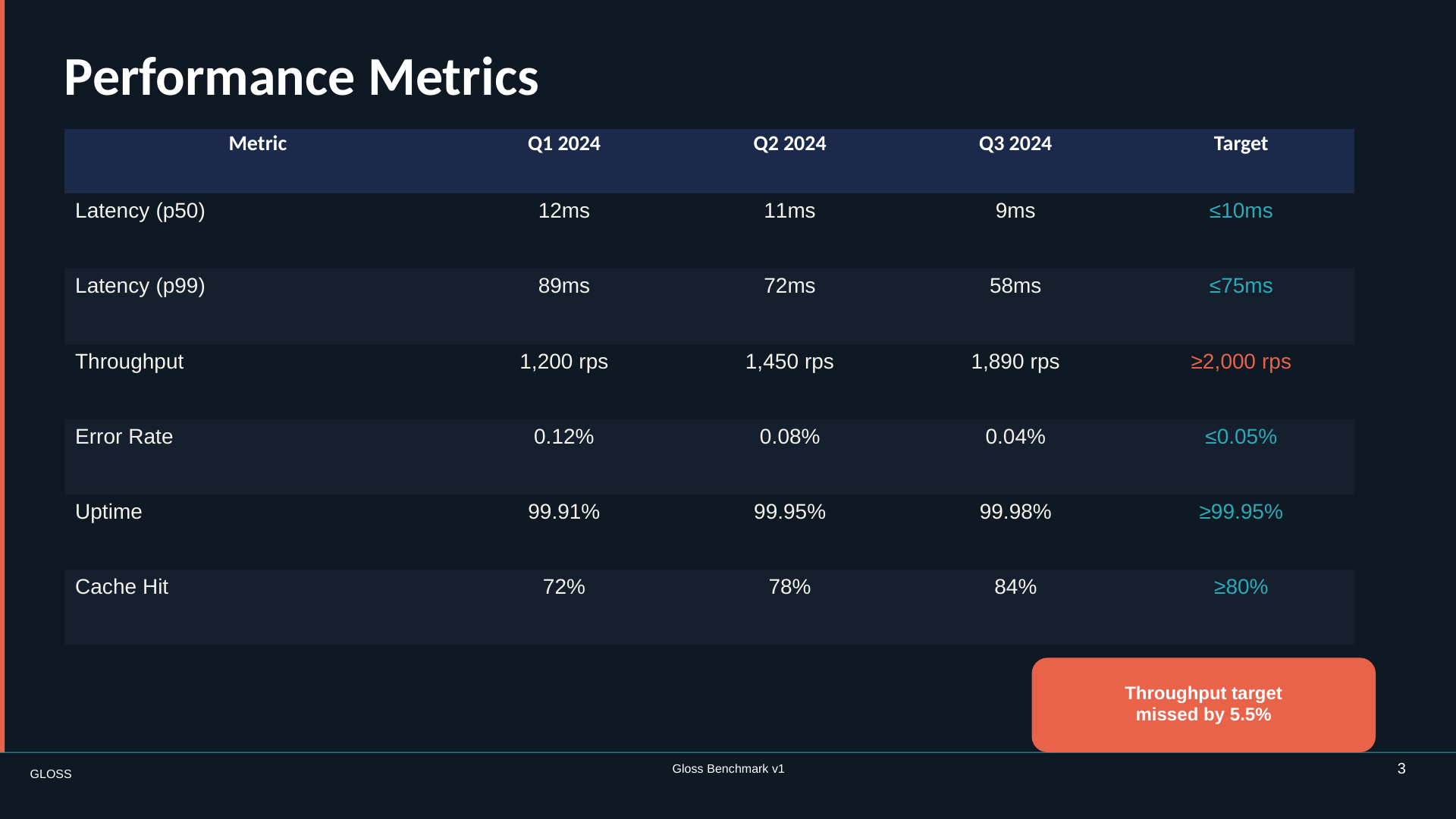
Slide 3, performance metrics table
03 · Foundation

Native Table Stress Test

A formatted performance table with a connected annotation.

What must be native

A real table—not a pile of rectangles—plus cell styles, mixed borders, paragraph indents, and a connector.

Read the exact instructions →
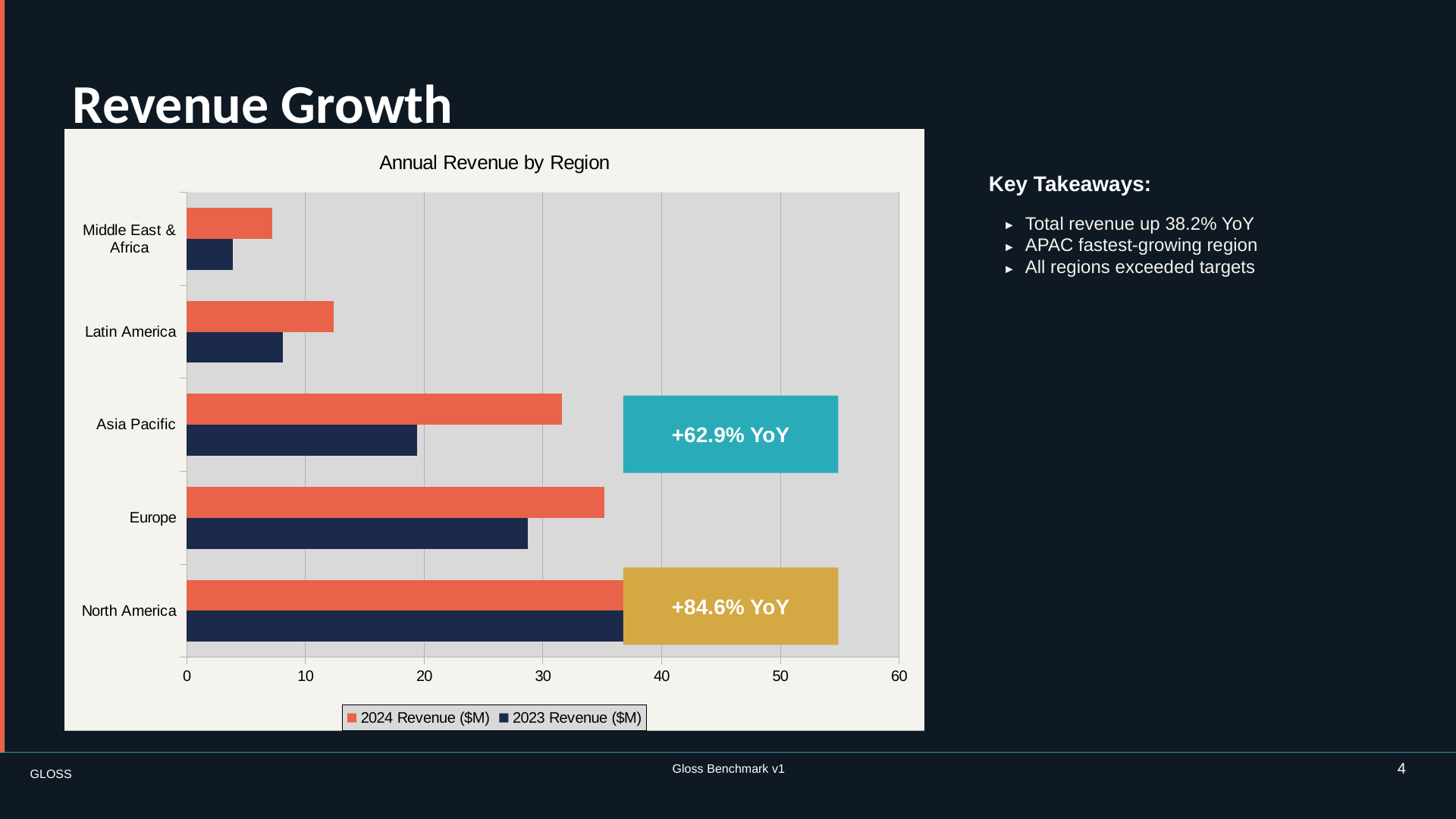
Slide 4, revenue growth chart
04 · Foundation

Native Chart Stress Test

A data-rich chart with annotations and takeaways.

What must be native

An editable chart with correct data, type, labels, gridlines, legend, overlay shapes, and arrow connectors.

Read the exact instructions →
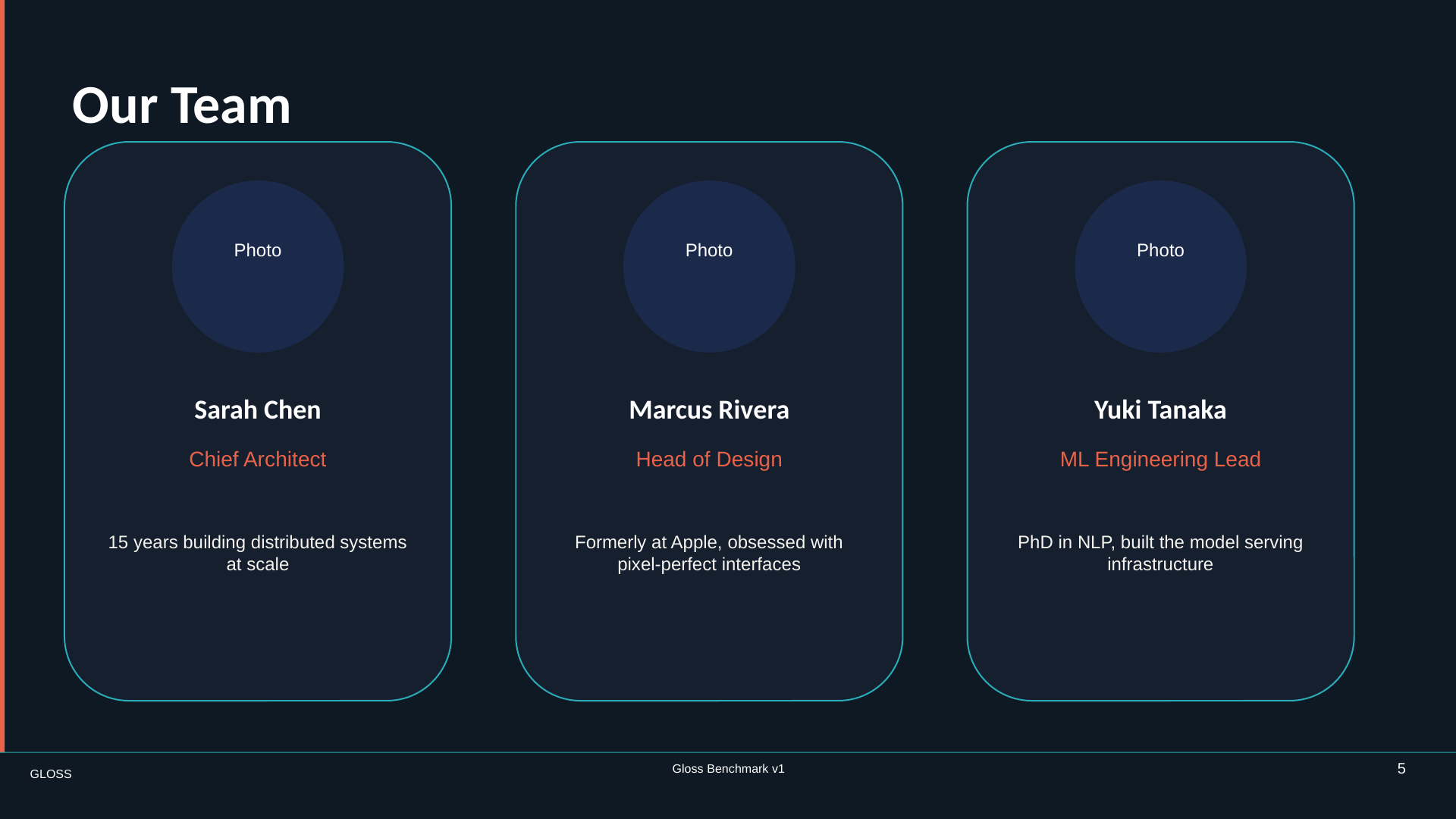
Slide 5, team cards
05 · Foundation

Master Reuse Enforcement

A repeatable three-card team system.

What must be native

Master inheritance, grouped cards, equal distribution, placeholders, and a footer inherited instead of copied.

Read the exact instructions →
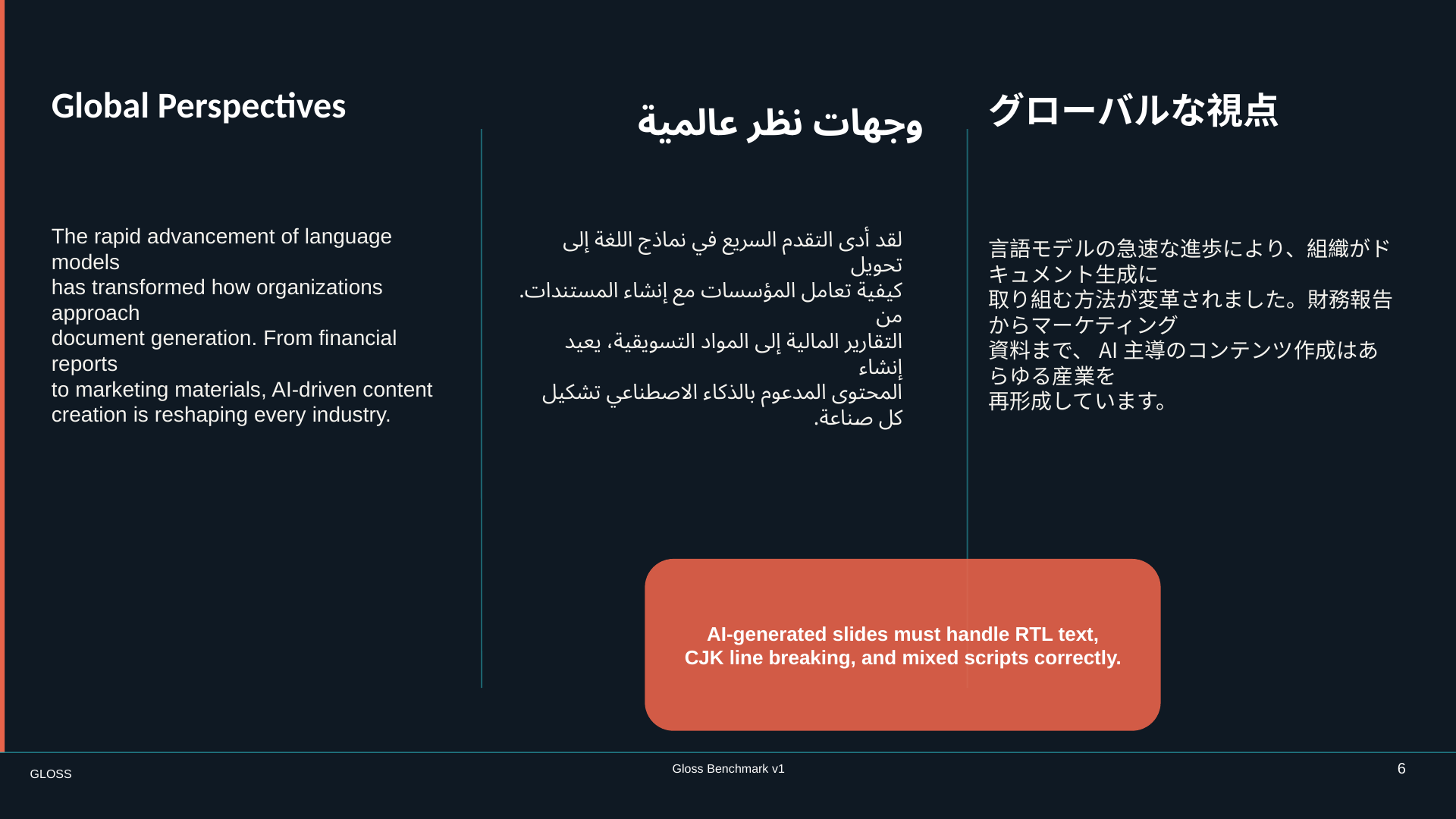
Slide 6, multilingual editorial layout
06 · Systems

Multilingual Editorial

English, Arabic, and Japanese sharing one editorial canvas.

What must be native

RTL direction, CJK line breaking, script-specific fonts, exact Unicode text, and cross-column overlap.

Read the exact instructions →
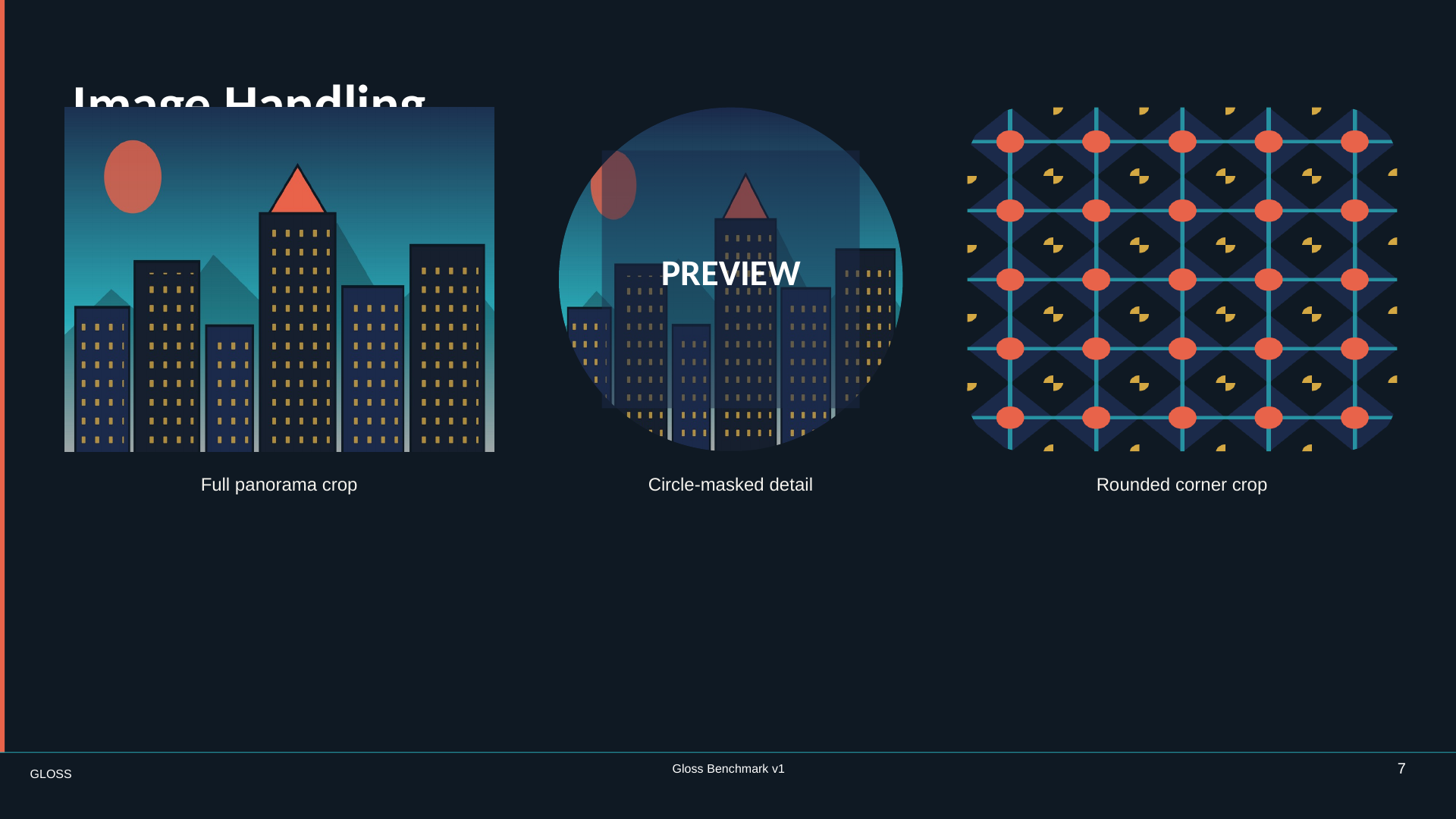
Slide 7, image handling
07 · Systems

Image Crop and Mask

Three treatments of approved source imagery.

What must be native

Independent crops, circle and rounded-rectangle masks, asset identity, and a correctly layered overlay.

Read the exact instructions →
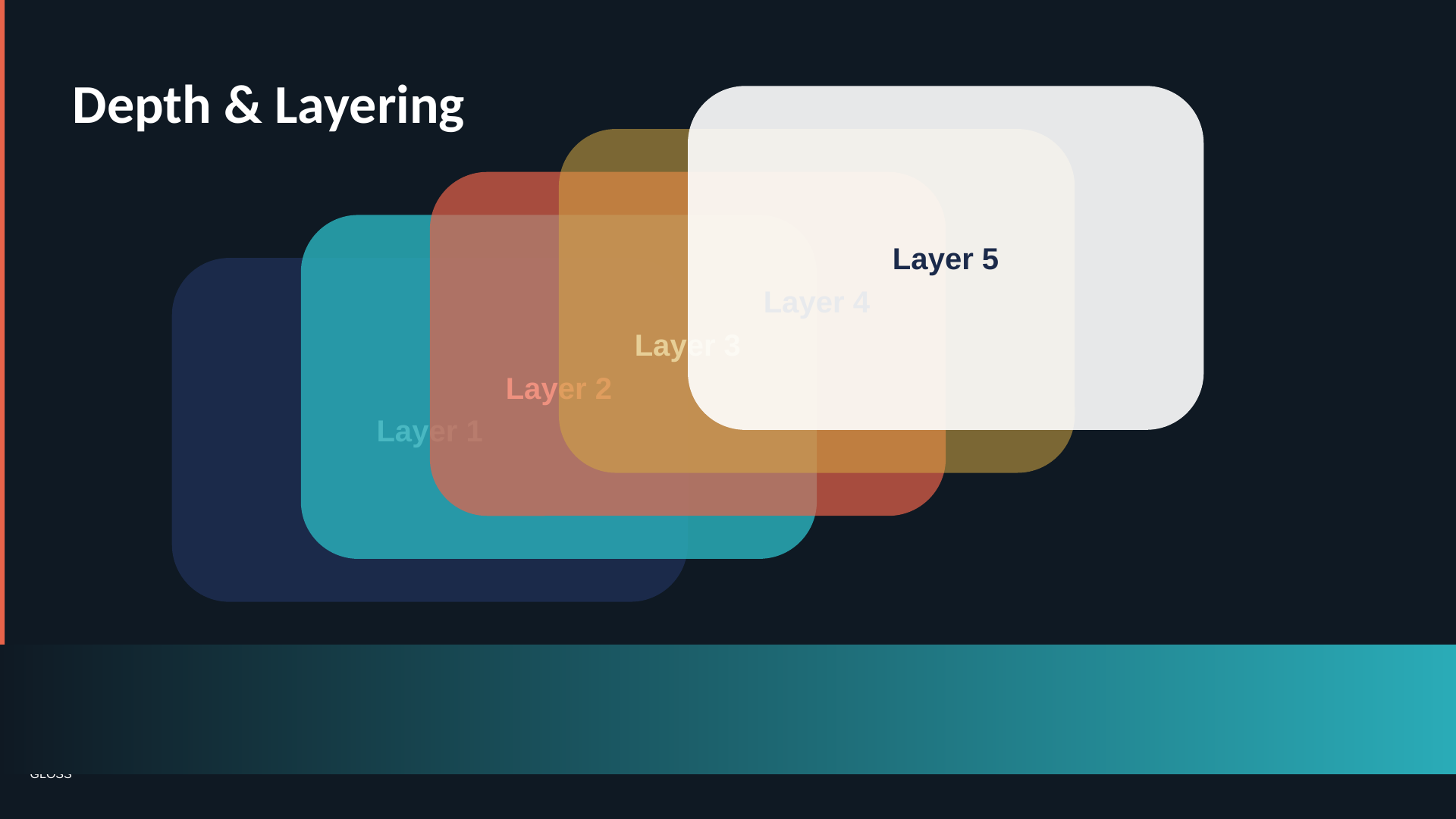
Slide 8, depth and layering
08 · Systems

Overlap, Shadow, and Transparency

A cascading stack with convincing depth.

What must be native

Precise z-order, five opacity levels, shadows, selective grouping, and a real gradient fill.

Read the exact instructions →
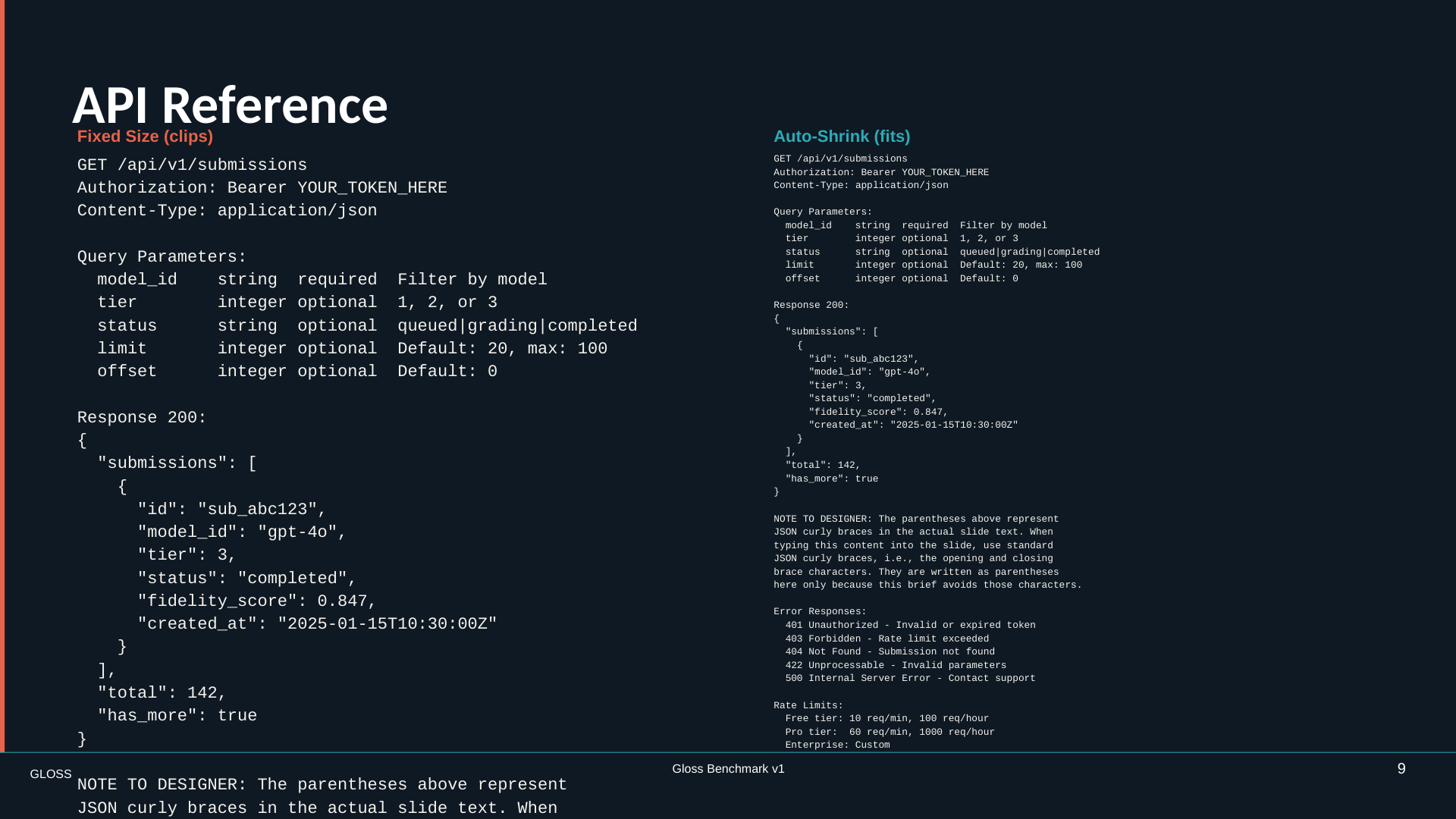
Slide 9, API reference
09 · Systems

Dense Text Overflow

Two code-heavy columns with deliberately different overflow behavior.

What must be native

Clipping versus auto-shrink, whitespace, monospaced runs, exact indentation, and line spacing.

Read the exact instructions →
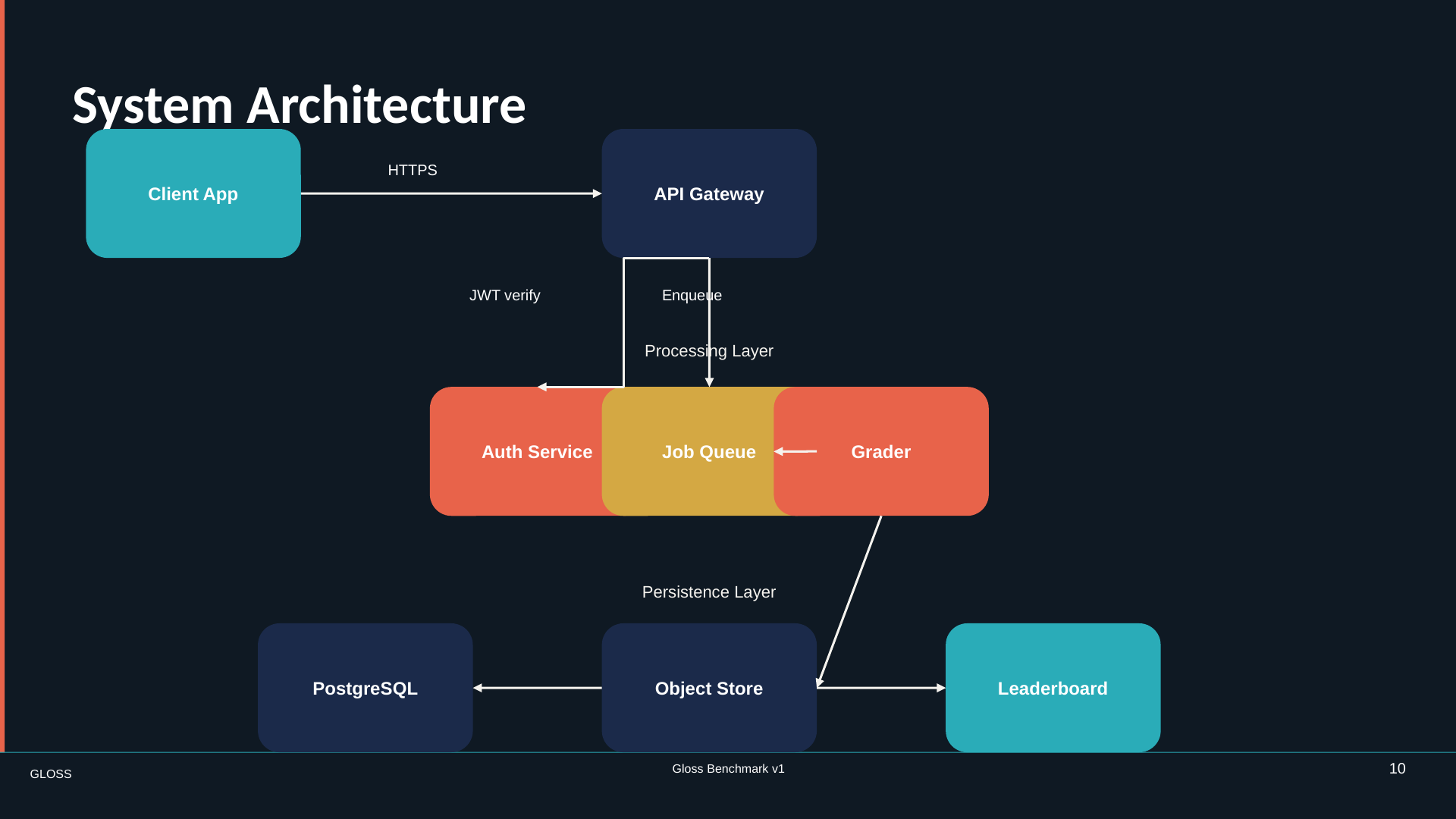
Slide 10, system architecture
10 · Systems

Connector and Alignment Diagram

A legible systems diagram built from editable objects.

What must be native

Attached connectors, elbow routing, arrowheads, grid alignment, labels, and nested backend groups.

Read the exact instructions →
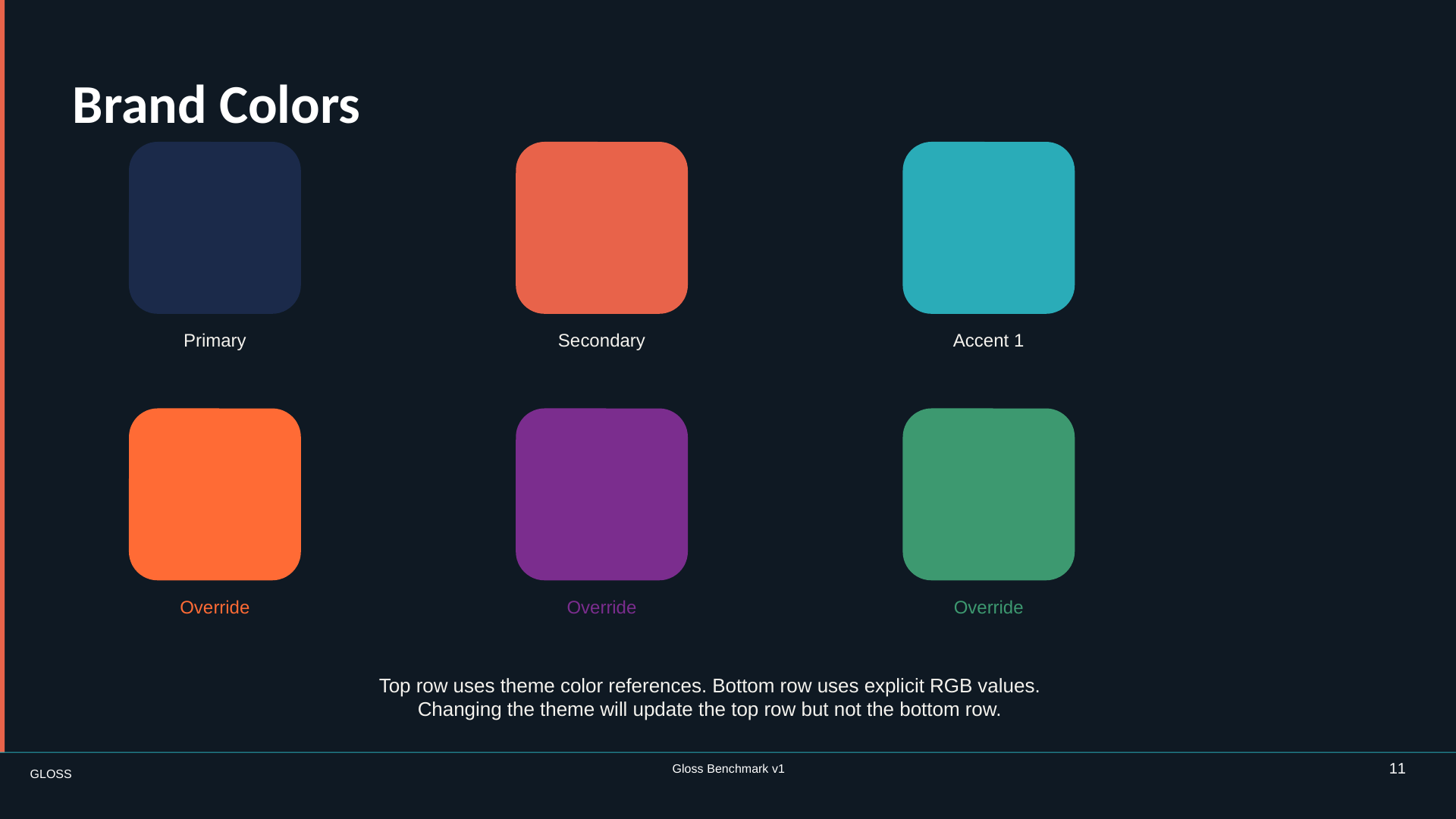
Slide 11, brand colors
11 · Systems

Theme vs. Local Override

Two rows of swatches that look almost interchangeable.

What must be native

Theme-linked colors versus explicit RGB overrides—the invisible difference a screenshot cannot prove.

Read the exact instructions →
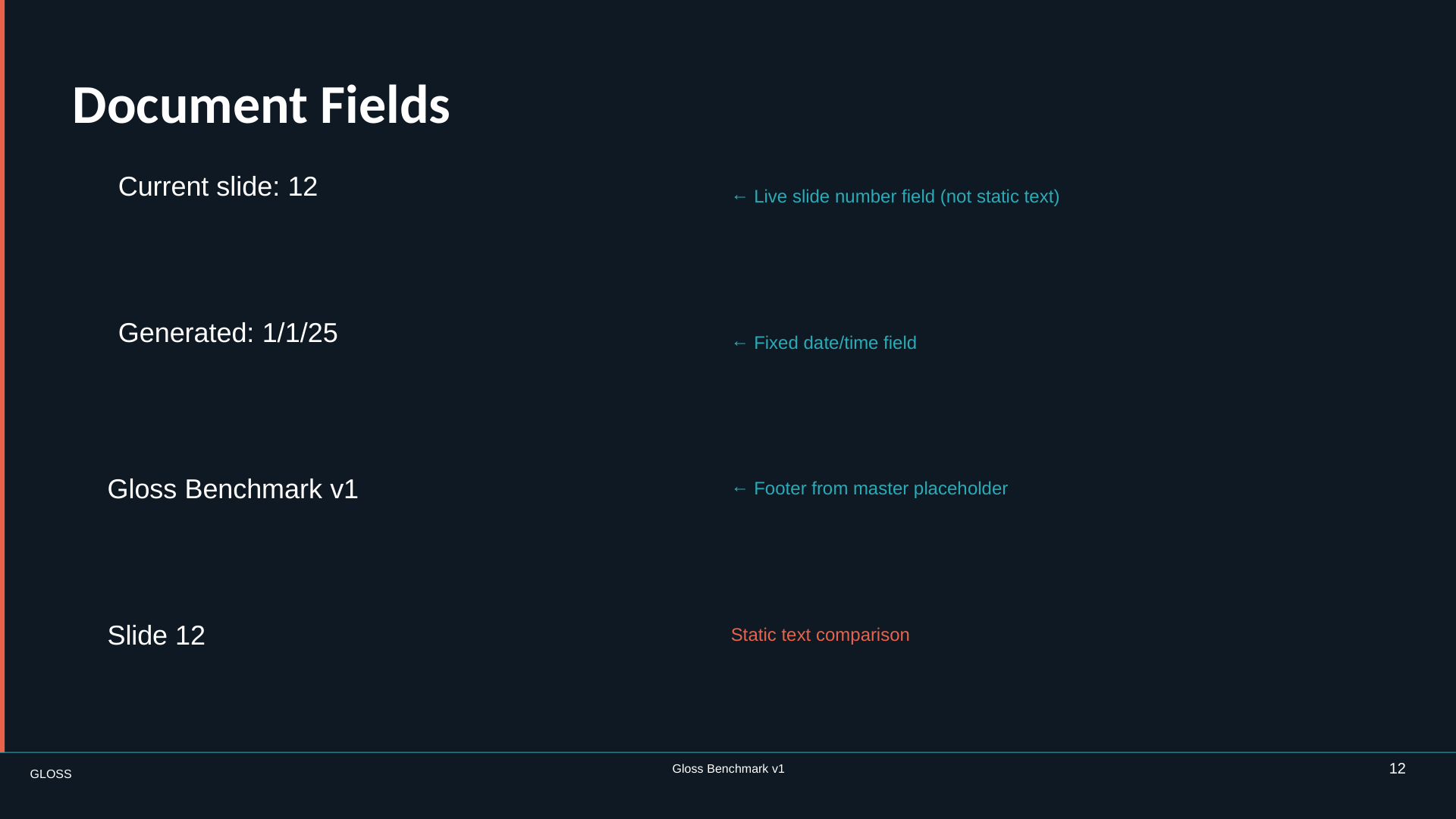
Slide 12, document fields
12 · Systems

Native Field Slide

Live document metadata beside a static lookalike.

What must be native

Slide-number and date fields, a master footer field, and the difference between a field and typed text.

Read the exact instructions →
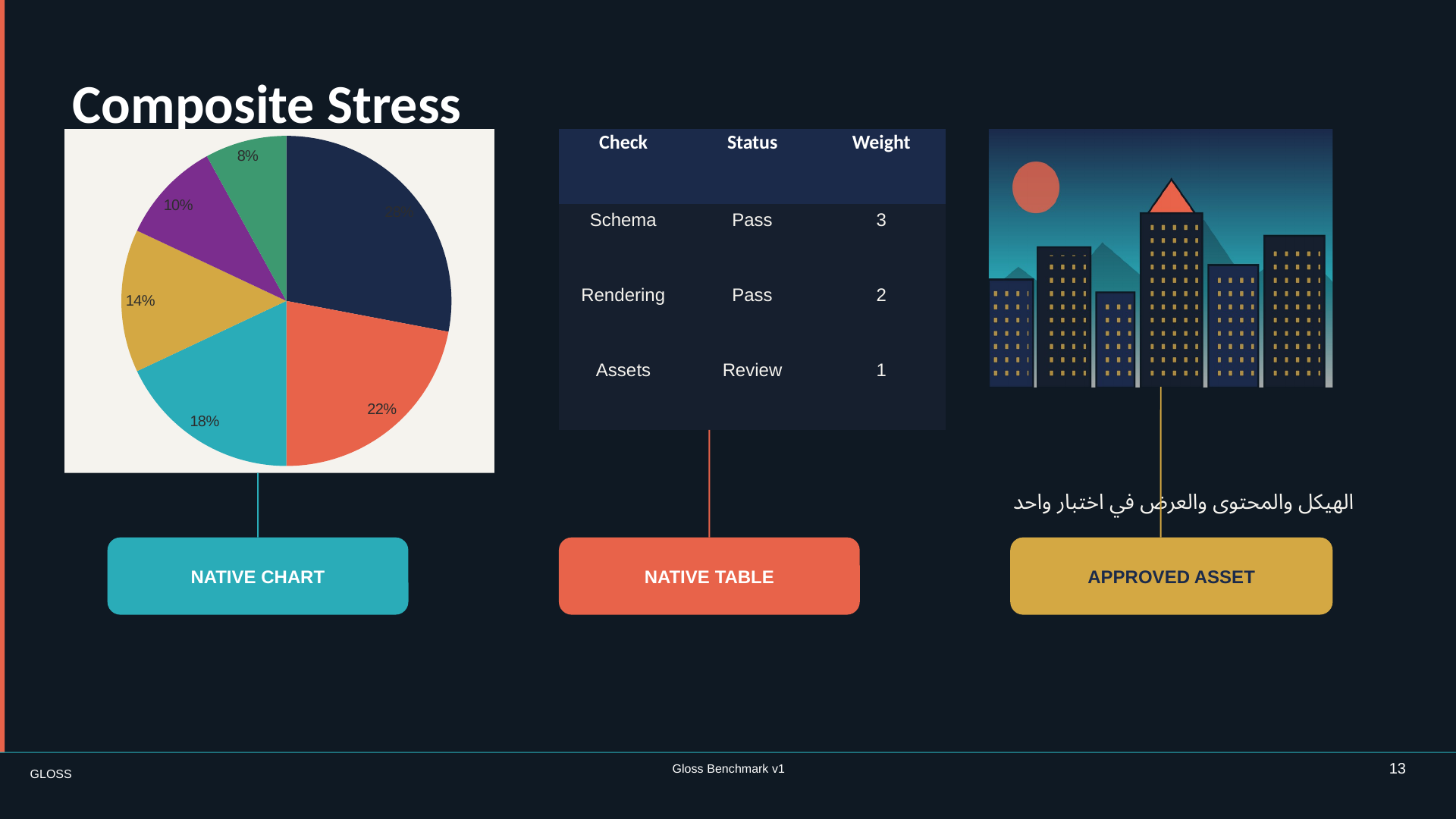
Slide 13, composite stress
13 · Torture

Composite Stress

Chart, table, image, Arabic annotation, and dense callouts in one composition.

What must be native

Multiple editable object types and their relationships surviving together.

Read the exact instructions →
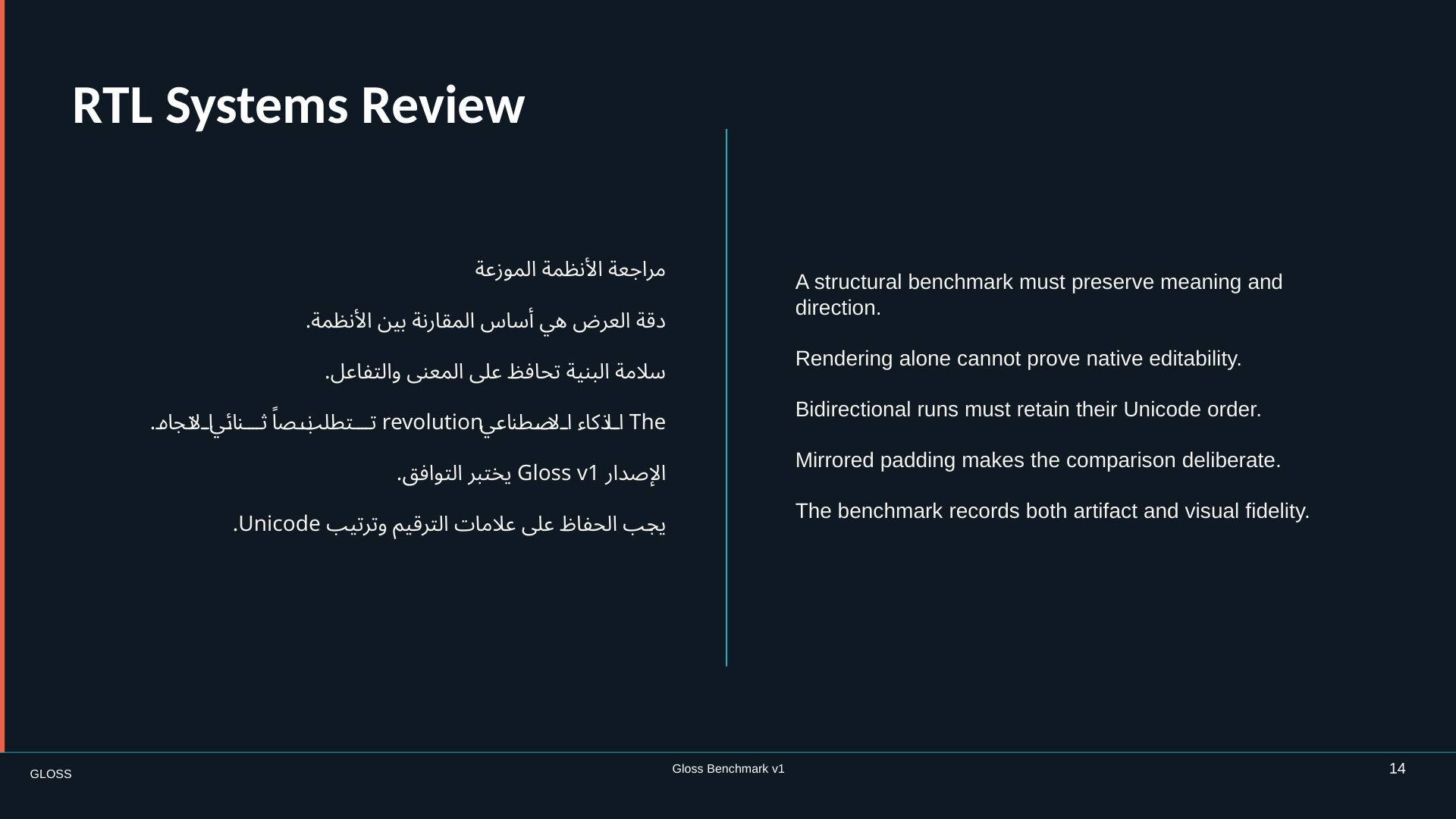
Slide 14, RTL systems review
14 · Torture

RTL-Heavy Comparison

A mirrored Arabic and English comparison.

What must be native

RTL paragraphs, mixed bidirectional runs, script-aware fonts, and mirrored alignment without flattening.

Read the exact instructions →
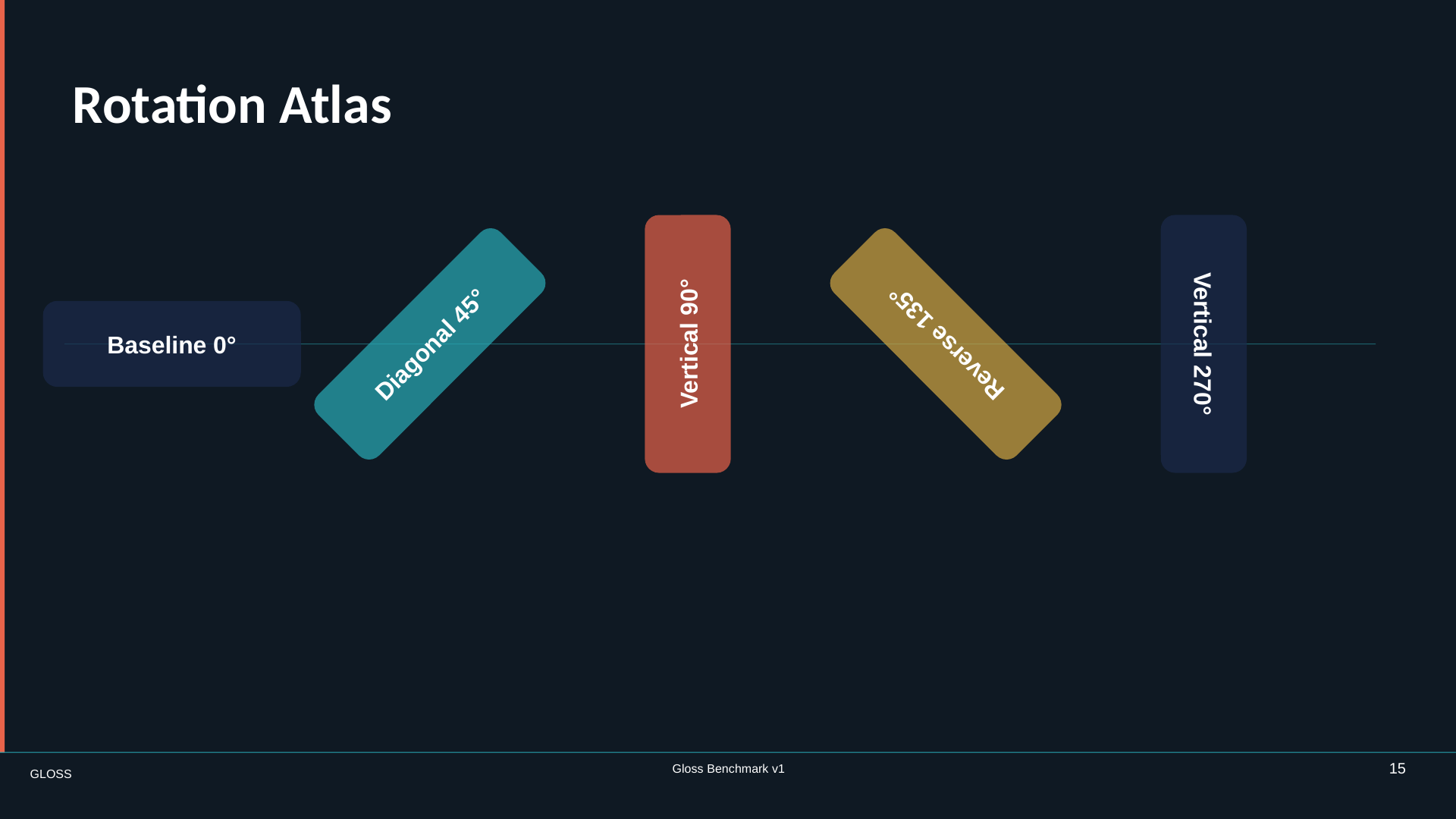
Slide 15, rotation atlas
15 · Torture

Rotated Text

Typography at 0°, 45°, 90°, 135°, and 270°.

What must be native

Real rotation values, anchor points, bounding boxes, and shapes aligned to rotated text.

Read the exact instructions →
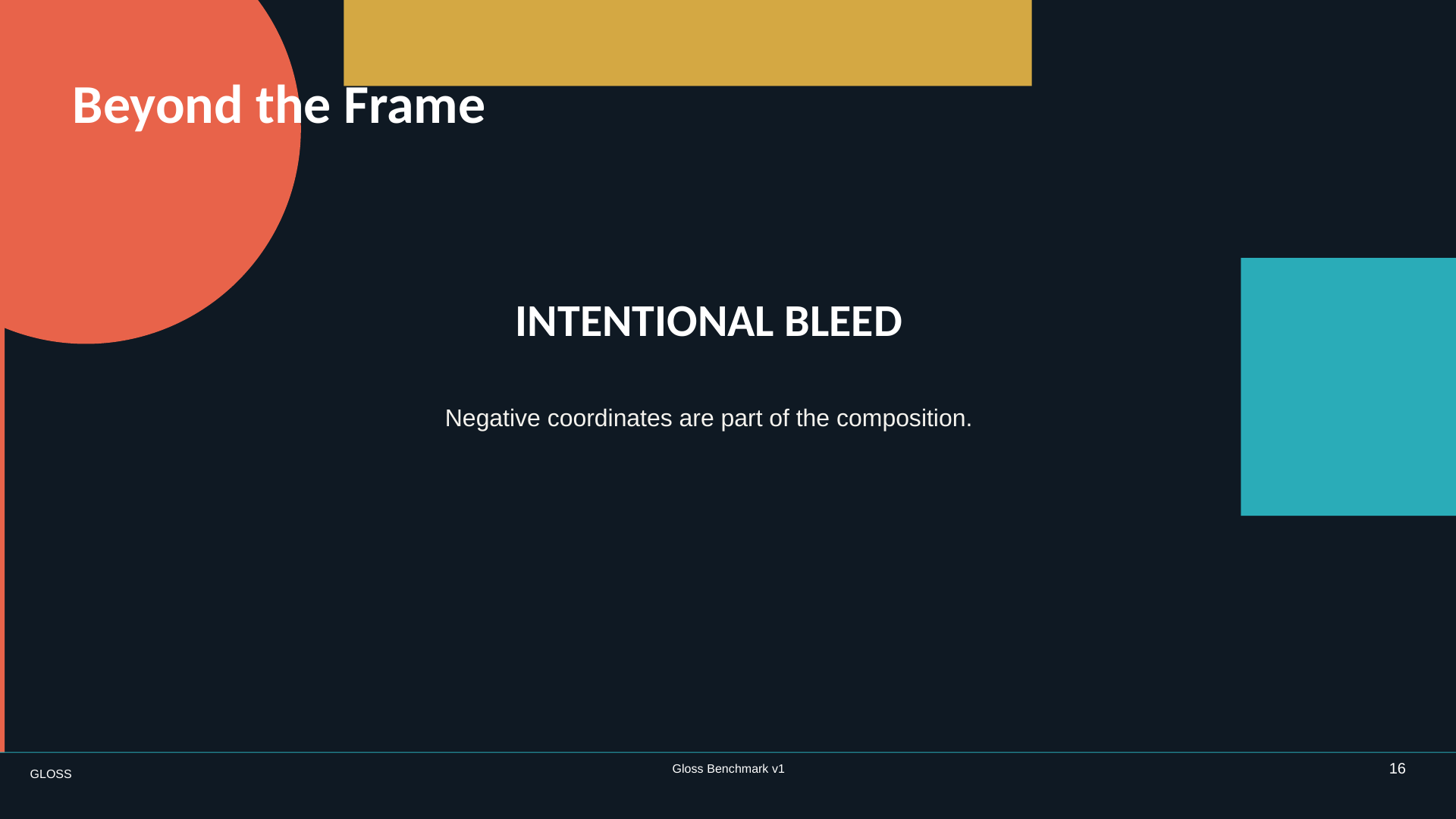
Slide 16, beyond the frame
16 · Torture

Intentional Off-Canvas Bleed

Design elements that deliberately continue beyond the canvas.

What must be native

Negative coordinates and overhanging geometry without clipping or “fixing” the intentional overflow.

Read the exact instructions →
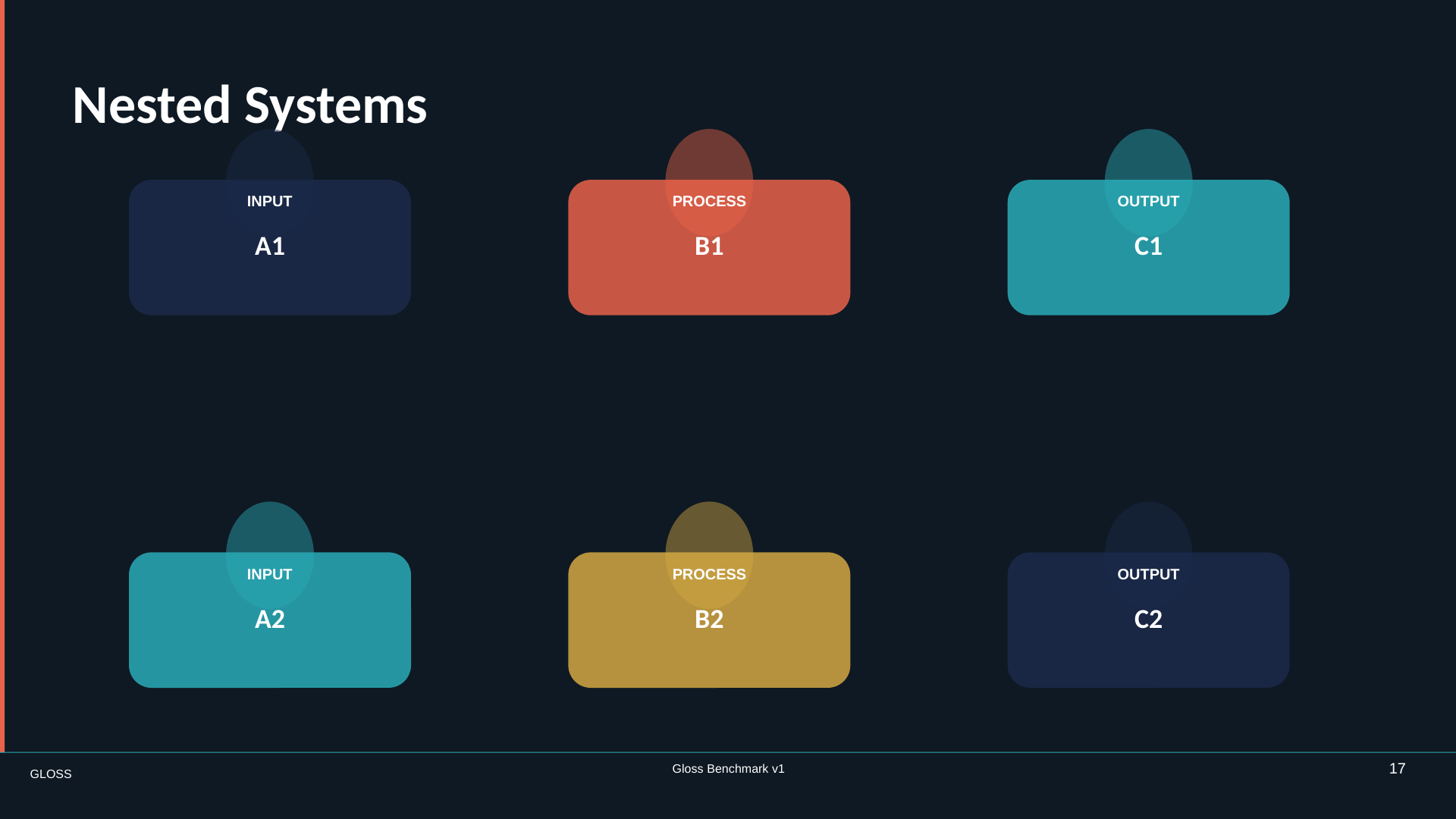
Slide 17, nested systems
17 · Torture

Deep Grouping

A composition built from nested visual systems.

What must be native

Three group levels, exact membership, child transforms, and z-order inside each level.

Read the exact instructions →
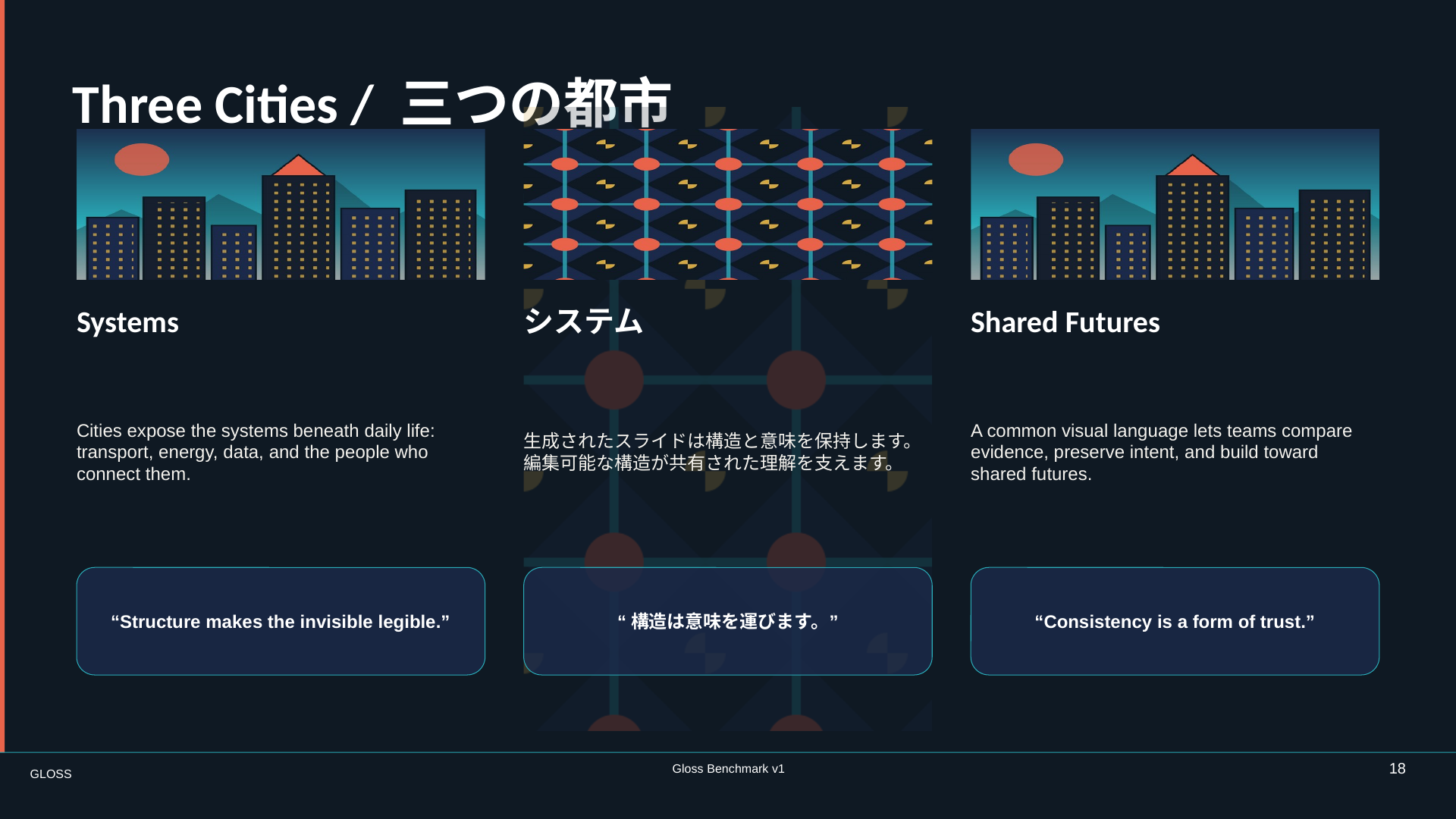
Slide 18, three cities editorial
18 · Torture

Multi-Column Editorial

A three-column English and Japanese magazine layout.

What must be native

Column structure, repeated image treatments, pull quotes, mixed-script text, and a patterned background.

Read the exact instructions →
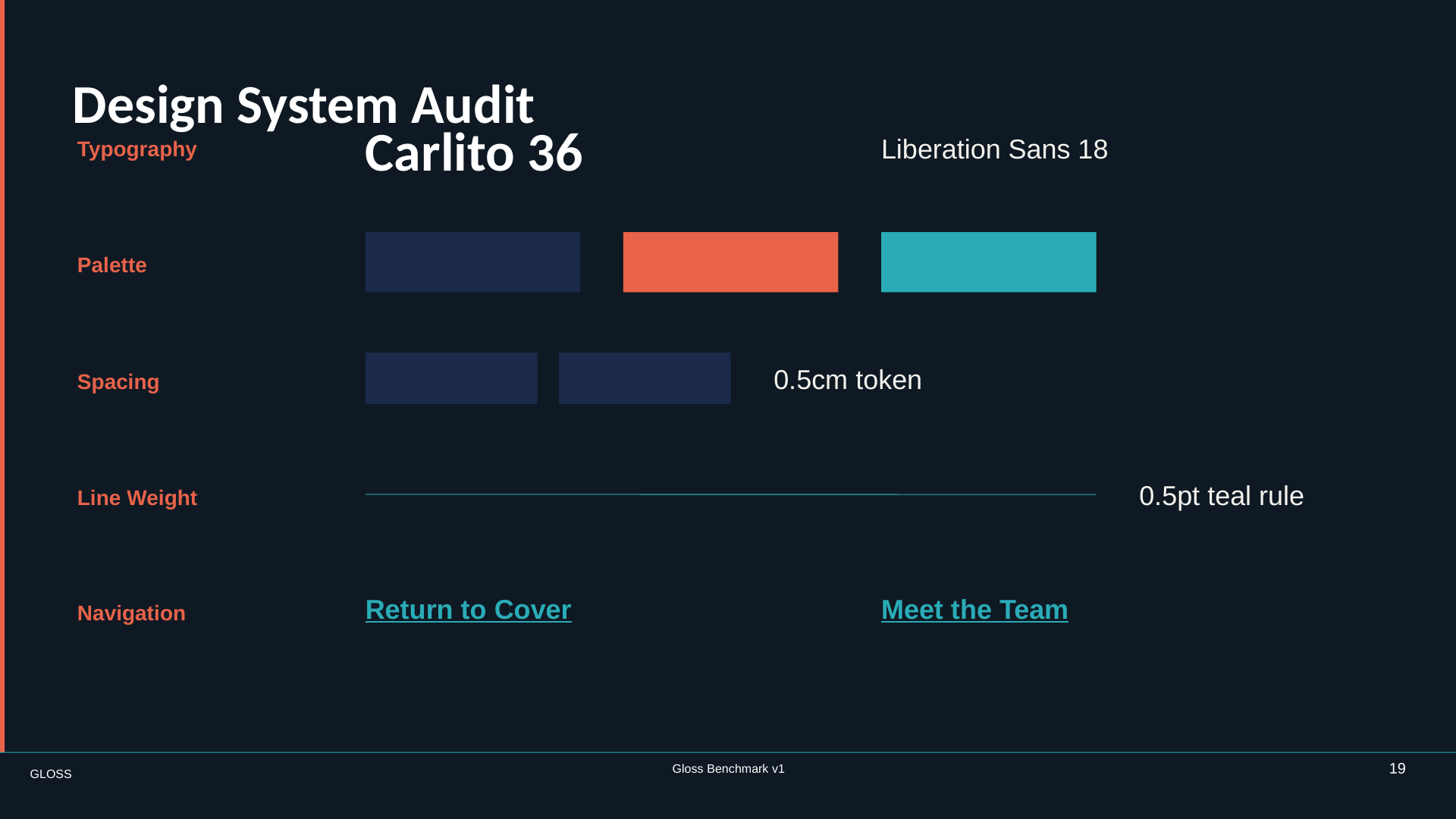
Slide 19, design system audit
19 · Torture

Repetition and Consistency

The deck’s design language turned into a consistency audit.

What must be native

Master-derived typography, colors, spacing, line weights, and reusable layout behavior.

Read the exact instructions →
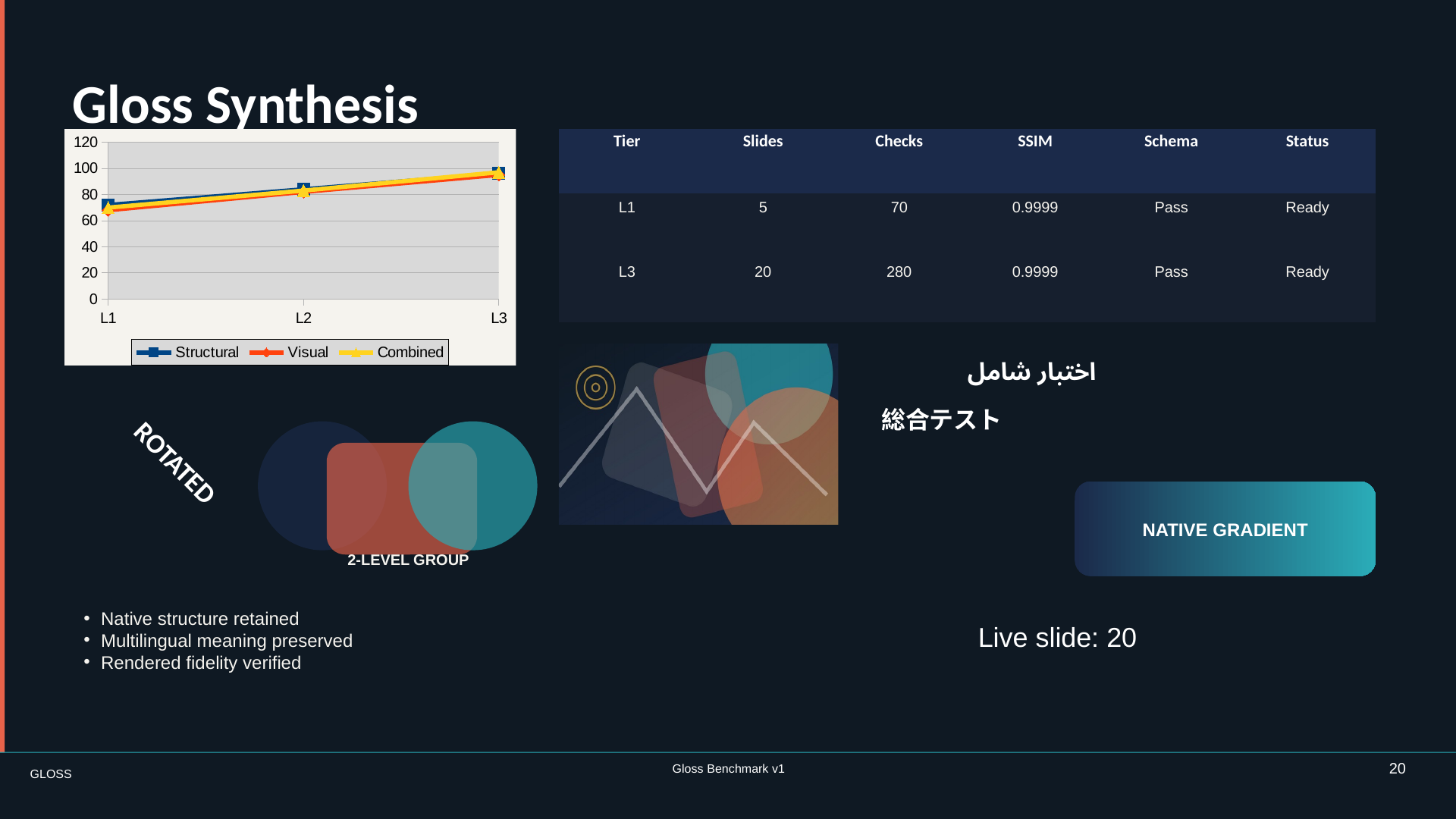
Slide 20, Gloss synthesis
20 · Torture

Final Torture Slide

The entire challenge in one dense synthesis.

What must be native

Chart, table, crop, multilingual text, rotation, transparency, connectors, fields, groups, and master inheritance.

Read the exact instructions →

Now give it to an AI

One exact prompt.
Nothing hidden.

The complete 20-slide brief is assembled in one copyable file. Give it to any presentation-generating AI with the reference images, approved assets, and fonts. Ask for a native, editable presentation. Do not give it the gold deck.

DESIGNER_BRIEF.md20 slides · public
# Gloss v1 — Canonical Deck Authoring Brief

Build a real, editable presentation.

You MUST create the masters and layouts
before building slides.

Native objects required:
  charts · tables · fields · connectors
  groups · placeholders · pictures

Reference images are supplementary.
The natural-language requirements win.

The principle is bigger than one file type

Native presentations, everywhere.

Gloss is about native presentations across PowerPoint, Google Slides, and Keynote. A chart should remain a chart. Text should remain text. Layout behavior should survive the next person editing the deck.

V1 is honestly PPTX-first. OOXML is a published standard with an inspectable package and object structure, so independent local checking is possible today. The same artifact-first contract should extend to other presentation systems as reliable adapters mature.

Help define the next adapter →

Public today, harder tomorrow

This deck may become training data. Good.

Gloss v1 is a shared conformance target, not a permanent secret exam. Future generations need automated challenge creation, delayed disclosure, rotating prompts, and held-back decks that measure generalization. We are publishing the starting point so the community can build that system in the open.

Gloss lives on GitHub

Find the next thing AI fakes.

Propose a hard presentation behavior, reproduce a checker gap, challenge the evidence, or improve the prompt. The useful work happens in issues and pull requests.

A screenshot is not a presentation

Make the artifact real.

Open Gloss on GitHub ↗